
<img> tag
The <img> tag is the simplest and most common way to display an image in an html page. 😊
It requires a src attribute, which indicates where the browser will find the image, and an
alt attribute, which provides a textual version of the image for screen-readers.
Example:
<img src="path/to/image.jpg" alt="My image">
<img>
<img> tags can be sized with CSS. Generally, it is best to set only width or height, not both.
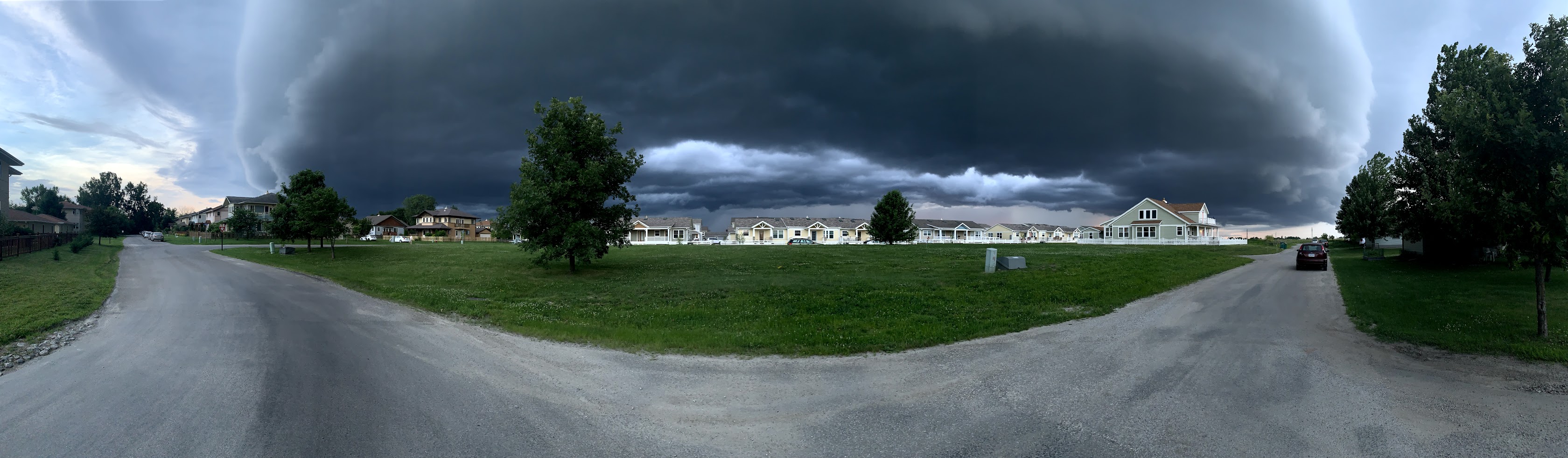
<img>We can crop by forcing width/height and using object-fit: cover;
Shelf Cloud: A low-hanging, well-defined, wedge-shaped formation that occurs along the leading edge of a gust front in a thunderstorm. Shelf clouds most often form just ahead of intense lines of thunderstorms.
| jpg | gif | png | svg |
|---|---|---|---|
|
|
|
 |
|
36KB
|
138KB
|
422KB
|
Not applicable, SVG is vector only! |
Pros:
|
Pros:
|
Pros:
|
Pros:
|
Cons:
|
Cons:
|
Cons:
|
Cons:
|
"Resolution" is just ratio.
Raster images are pixels, but a pixel has no fixed physical size. 300 pixels may occupy one inch in print, while a billboard pixel could be larger than an inch. When we care about data in an image, we ask for its pixel dimensions (width × height), not “72dpi.”